One native app for the jobs that usually take a handful of separate tools: set Windows up, make it yours, see
what it's doing, and keep your everyday tools one keystroke away.
Try the Bar
The Winprove Bar waits in a thin strip along the top of the screen. Rest the pointer on its pill, or press
Win + Alt + A, and it drops open with what's playing, quick toggles,
live system stats and tools. Below is a working model of it, with sample data: point at the pill, click
around, and press Esc to put it away.
A model of the Winprove Bar, running in the browser with sample data.
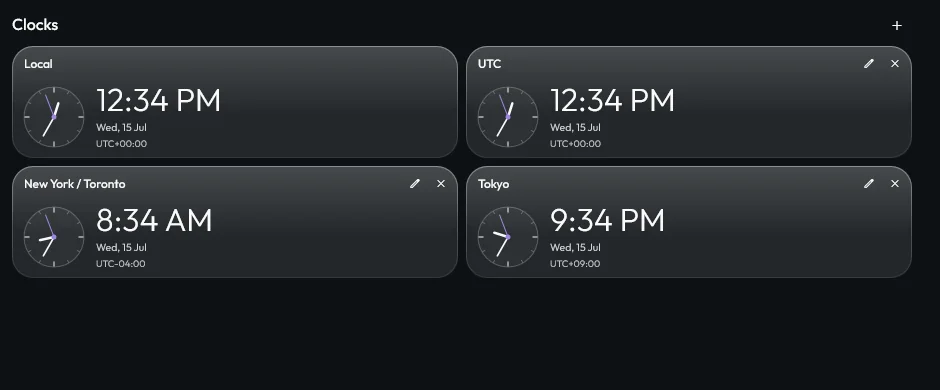
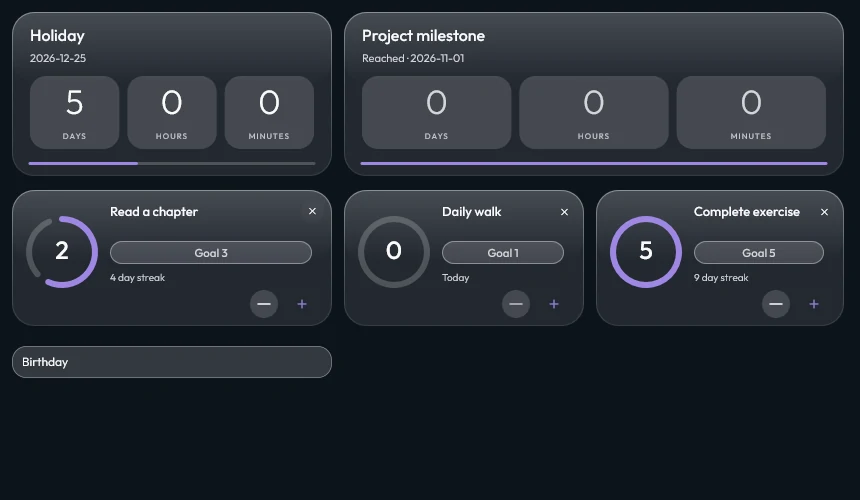
The real Bar, piece by piece, as Winprove draws it with sample data: the media player, world clocks, tool tiles, and goals and countdowns.
Home, your way
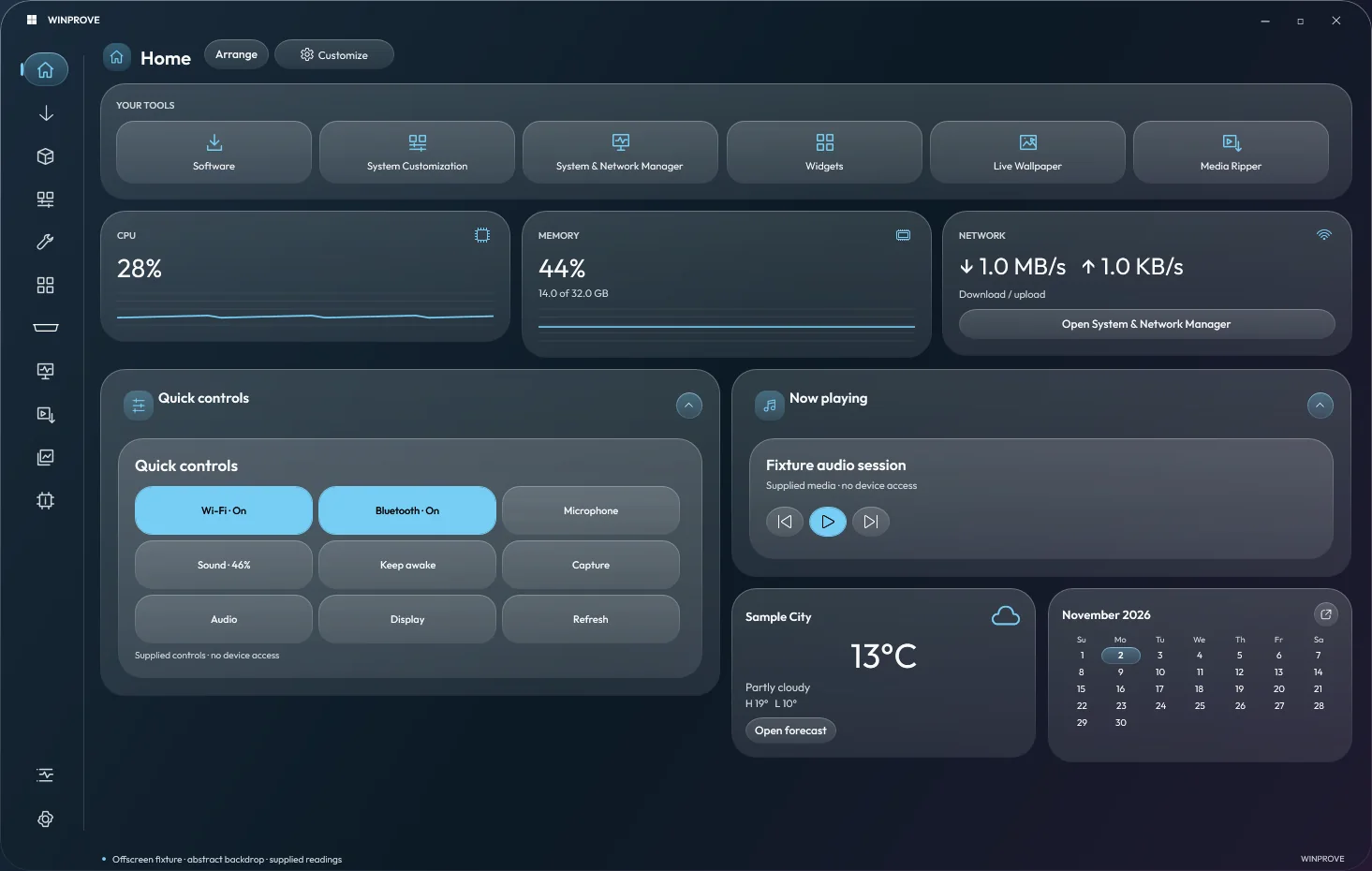
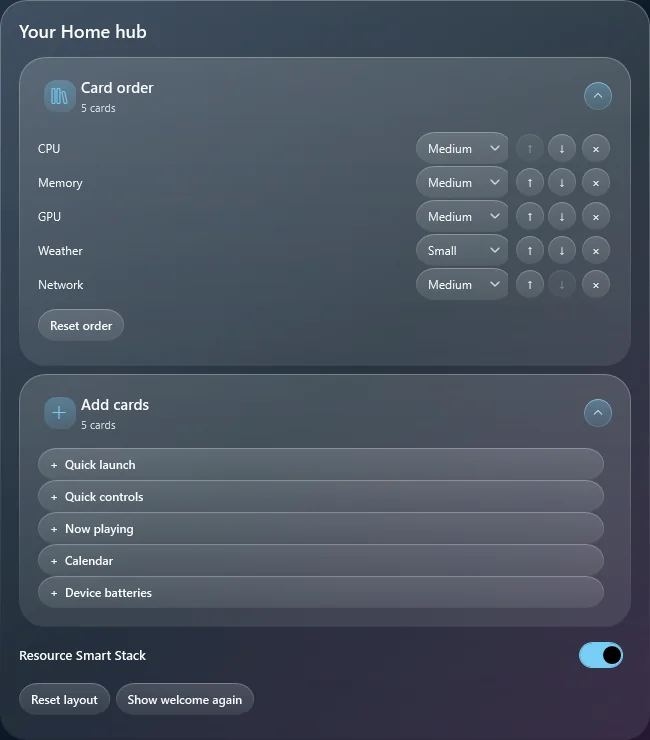
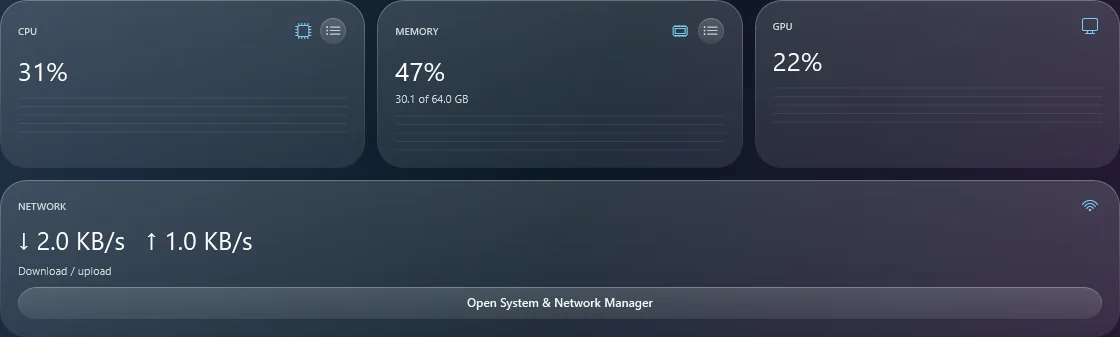
Home is a grid of cards that snap into full rows: CPU, GPU, memory and network, weather, a calendar, quick
controls and what's playing. Rearrange, resize or collapse them, fold CPU, GPU and memory into one Smart Stack,
and tap the list icon on CPU or memory to see the eight busiest apps.
Choosing Home's cards, and the resource cards side by side.
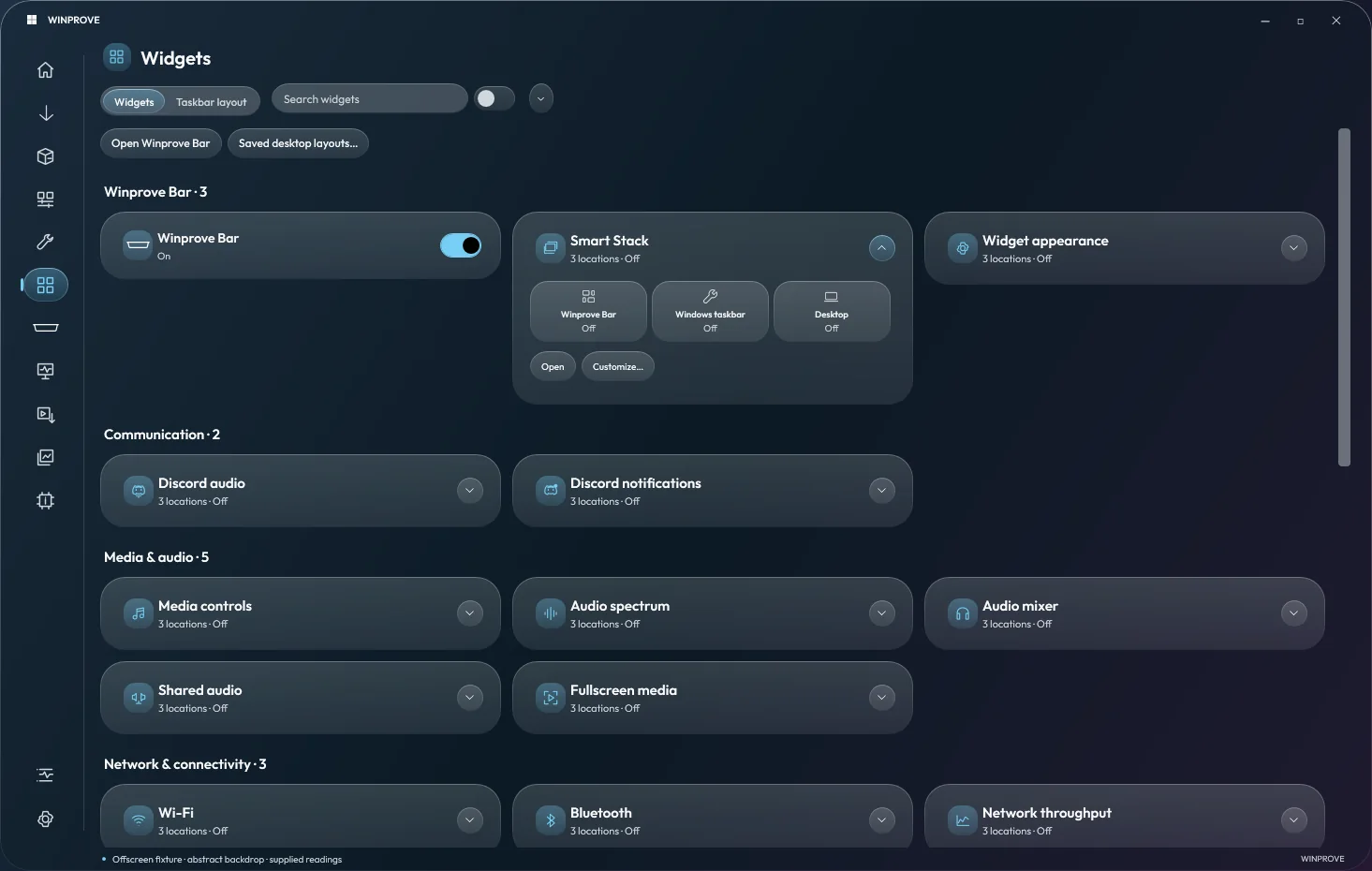
Widgets anywhere
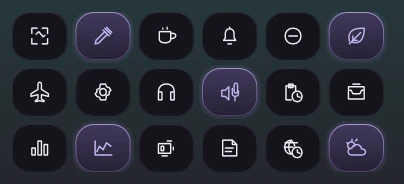
Clocks, calendars, weather, batteries, media, notes, reminders and connectivity controls can sit in the Bar,
on the Windows taskbar or on the desktop. Desktop widgets move, resize, snap and lock, and up to eight named
Smart Stacks flip between widgets with the mouse wheel. The world clock shows analog and digital time for up
to eight time zones beside your own.
The widget catalog: where each widget lives, in the Bar, on the taskbar or on the desktop.
Set it up, strip it down
Software & Apps queues installs from a categorized catalog and spots what's already installed. App Removal
reviews Store and desktop apps and common bloatware, marks risky removals with a red dot, and shows the exact
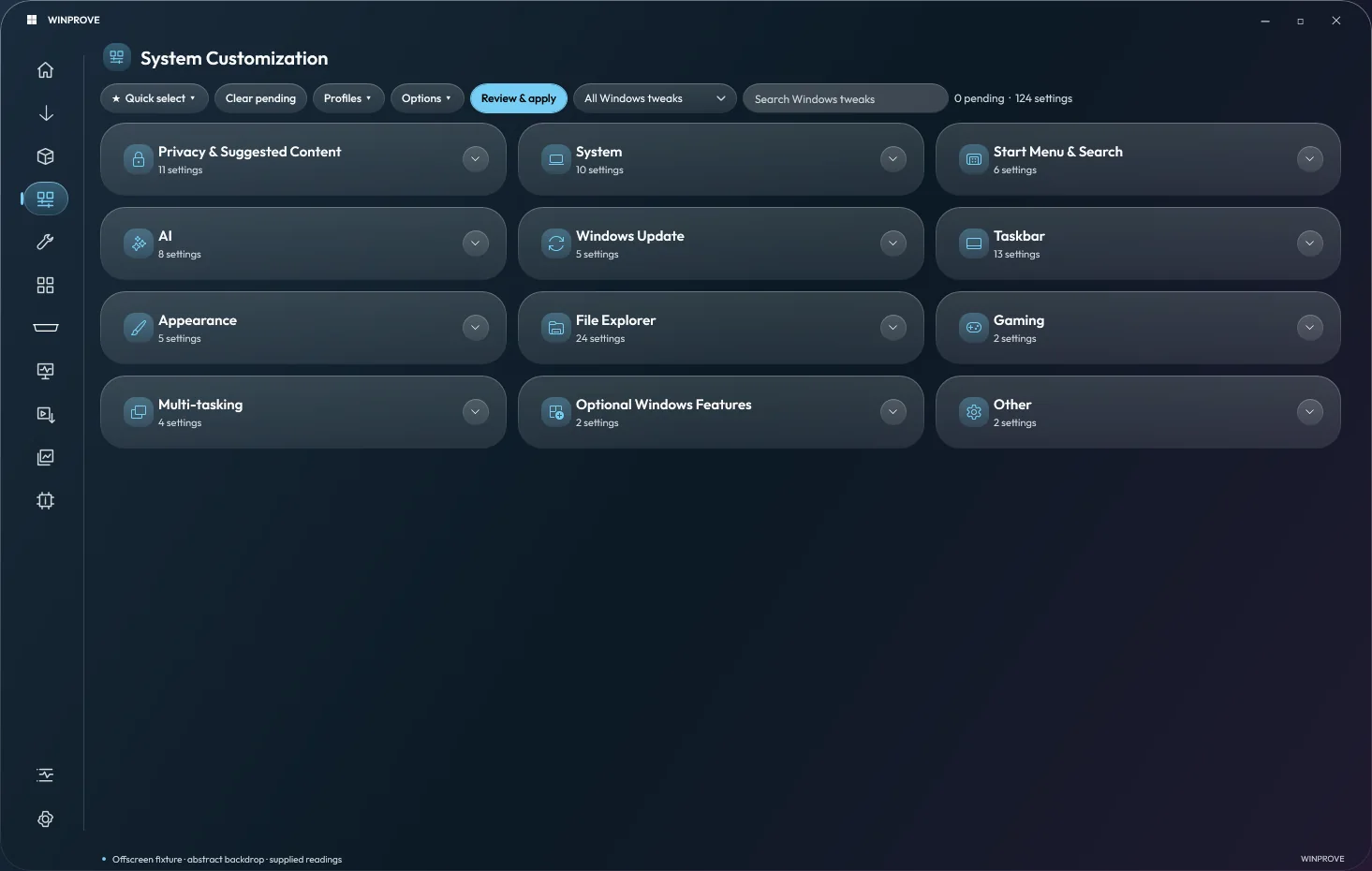
leftovers before anything goes to the Recycle Bin. System Customization groups privacy, Explorer, taskbar,
Start and Windows settings, reads their current values, and saves profiles you can undo.
System Customization, in collapsible groups.
See what it's doing
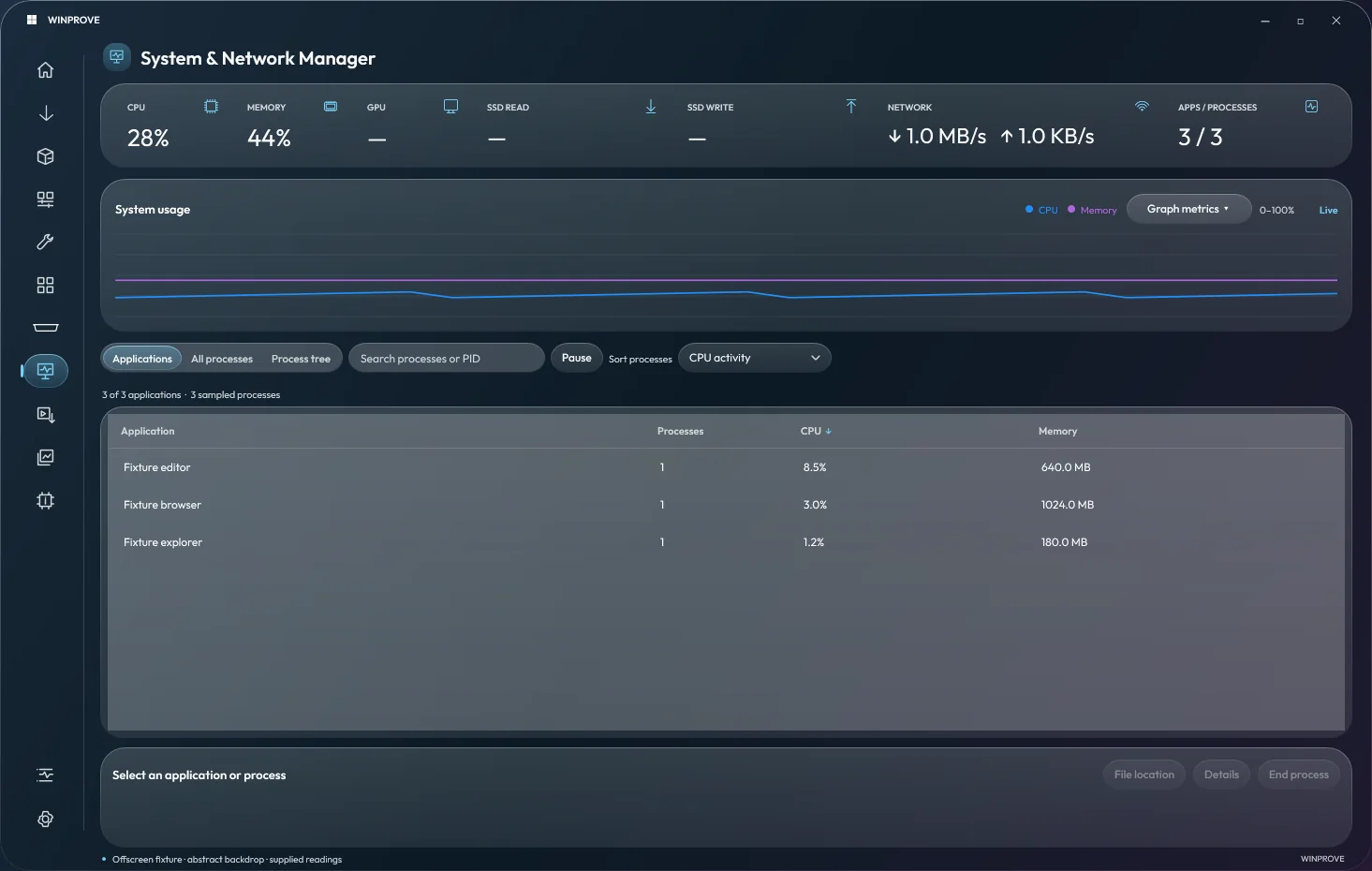
The System & Network Manager follows CPU, memory, GPU, storage and network, and puts processes, services,
drivers, handles, connections, traffic history and firewall rules a tab away. Open an app's folder, or end a
process once you've seen what it is.
The System & Network Manager.
And the rest
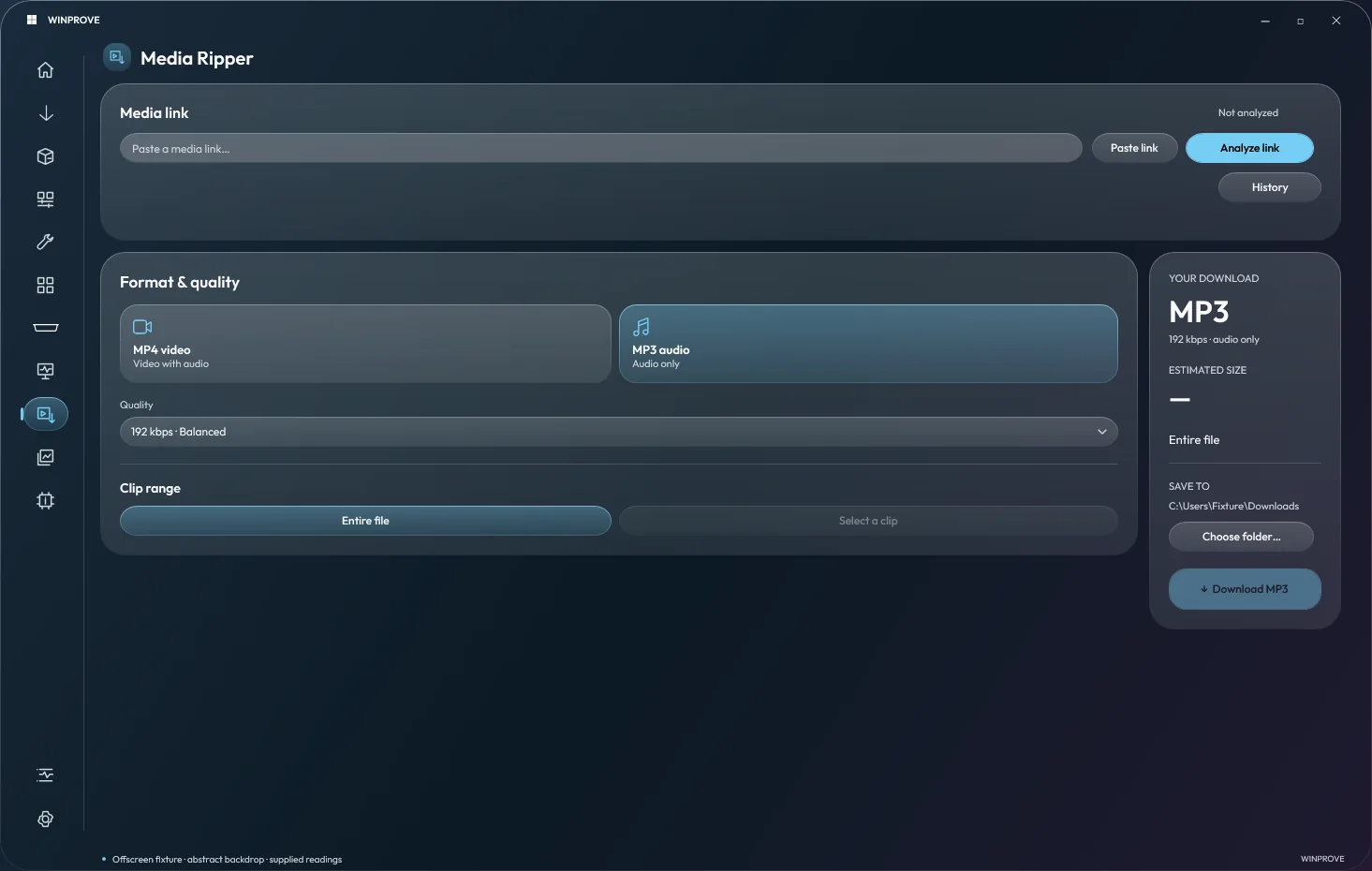
A screenshot tool with editing, redaction and a gallery; a media ripper that previews a clip before it
downloads; live wallpapers; per-app audio mixing; and a clipboard shelf, timers, a calculator, batch rename and
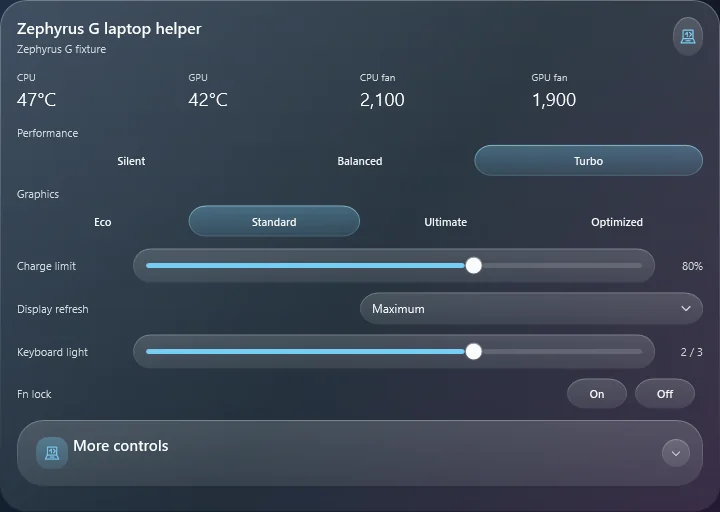
local OCR. On ASUS Zephyrus G laptops, a helper widget covers performance profiles, GPU modes, charge limits,
refresh rate and keyboard lighting.
The Media Ripper, and the Zephyrus G laptop helper.
Install it your way
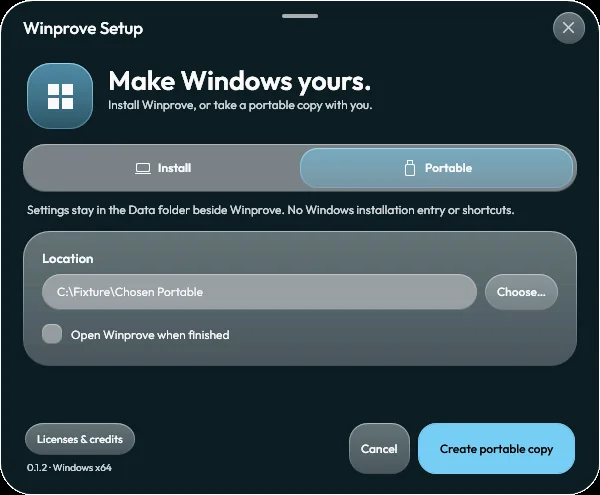
The setup installs Winprove for your account, or makes a portable copy that keeps its settings in a Data
folder beside it. Both carry their own runtime, so there's no separate .NET to install. Updates come from a
public feed, and each package has to pass an Ed25519 signature check against a key built into Winprove before
it's applied; preferences, profiles and layouts carry over.
Winprove Setup, making a portable copy.
How it's built
The hub is a C# app on .NET 10 with WPF. The Bar and the native widgets are a C++20 component drawn with
Direct2D and DirectComposition. A PowerShell release builder makes the setup, the portable and the source
archives with manifests and checksums, and setup and updates share one path for verifying the payload,
replacing files and rolling back. It has 76 test projects.